
Streamline Your eBay to WooCommerce Migration with Our Import Tool!

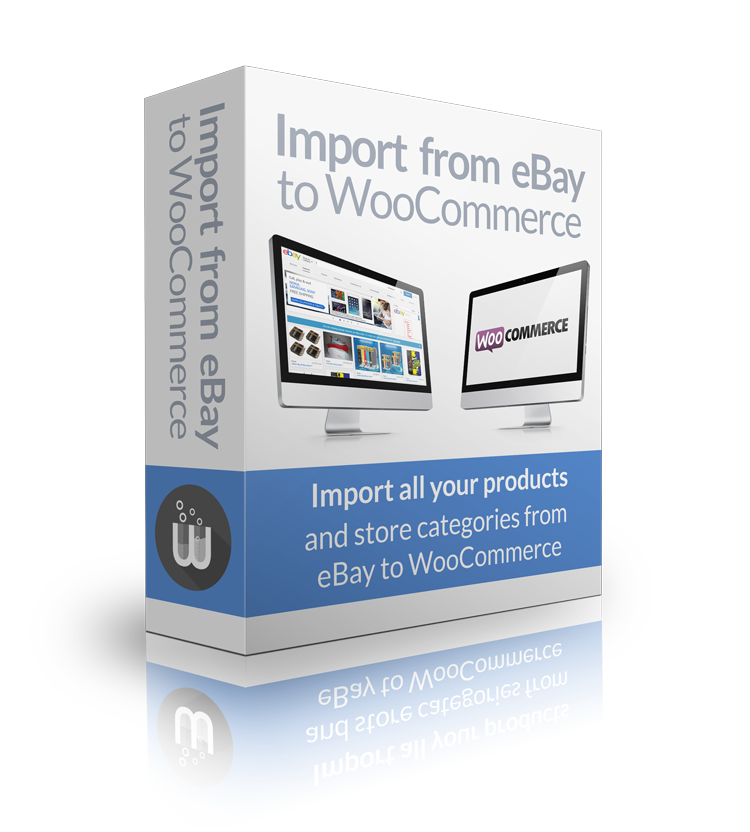
Looking to start selling on WooCommerce but already have an established store on eBay? No need to worry, because our “Import from eBay to WooCommerce” plugin has got you covered!
With just a few clicks, you can easily import all your products and store categories from eBay to WooCommerce, and get your WordPress-powered e-commerce site up and running in no time. Our plugin not only imports your active eBay listings as products in WooCommerce but also recreates your eBay store categories in WooCommerce and sets up your listings and categories in WP-Lister as well.
But that’s not all – “Import from eBay to WooCommerce” also supports product variations, hierarchical categories, and even converts eBay item specifics into product attributes in WooCommerce. You can even filter item descriptions using custom definitions of allowed HTML tags and import a single item for testing purposes. With this plugin, you can easily migrate all your products from Auctiva or other listing tools as long as they are on eBay.
What’s more, “Import from eBay to WooCommerce” automatically creates listings in WP-Lister if a listing profile is selected and sets up category mappings in WP-Lister Pro automatically. This plugin is the perfect solution for anyone looking to sell on WooCommerce but doesn’t want to start from scratch.
Get started with “Import from eBay to WooCommerce” today and enjoy all the benefits of WP-Lister Pro for eBay with your existing eBay store. And as always, our expert support team is available to assist you with any questions or concerns you may have.
Order now and start importing your eBay store to WooCommerce today!

$199 / year
Extend what WP-Lister can do for You.
Migrate your entire eBay Store!
Features
Here are some of the features that make “Import from eBay to WooCommerce” the perfect solution for importing your eBay store to WooCommerce:
- Import all active listings from eBay and recreate your eBay store categories in WooCommerce.
- Supports product variations and hierarchical categories, so you can import even the most complex listings with ease.
- Item specifics on eBay will become product attributes in WooCommerce, making it easy to manage your listings and make changes as needed.
- Option to filter item description with a custom definition of allowed HTML tags, ensuring your product descriptions look great on your site.
- Create listings in WP-Lister automatically – if a listing profile is selected – and create category mappings in WP-Lister Pro automatically.
With “Import from eBay to WooCommerce,” you’ll be up and running in no time, without having to add all your products and categories again. Plus, you can even migrate all your products from Auctiva or other listing tools – as long as they’re on eBay.
Don’t miss your chance to simplify your eBay to WooCommerce migration and take advantage of everything WP-Lister has to offer. Try “Import from eBay to WooCommerce” today and see the difference for yourself.
Requirements
- WP-Lister 2.x (Pro or free) needs to be installed and set up
- You need to have an eBay store account to import store categories
- An empty, single language WooCommerce site – multilingual sites are not supported
- Your server shouldn’t break under heavy load
(Please read the FAQ – this plugin won’t work on a shared dreamhost webspace!)